
Hybrid work & coworking
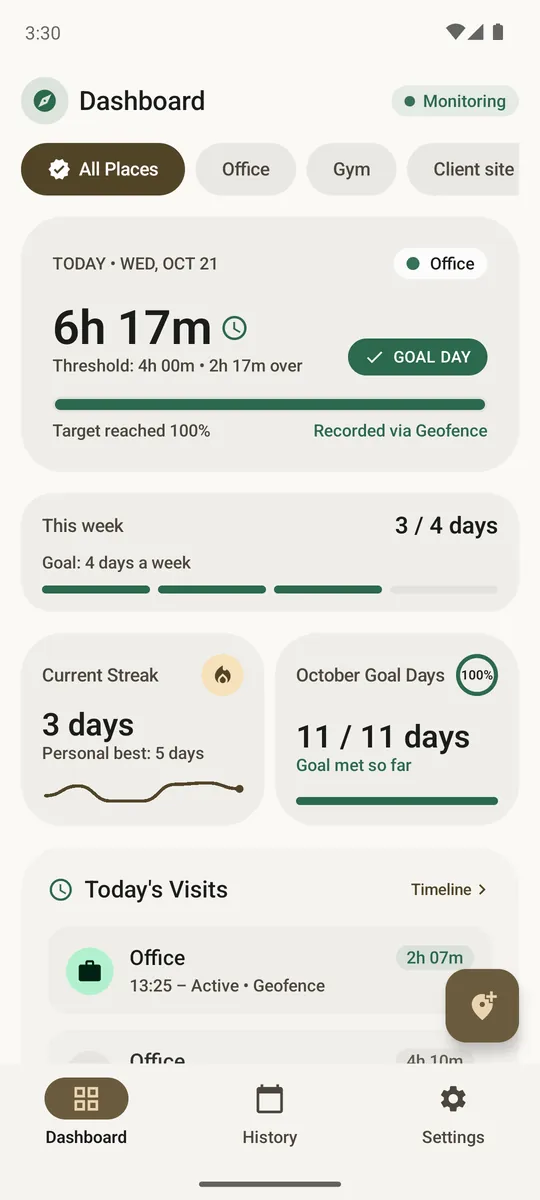
Know exactly which days you were at the office or the coworking space. Set a goal like 3 days a week and see whether you meet your company's policy or your own plan.
Locitime tracks your time at the office, gym, or workspace with very little battery use. Set goals, build streaks, and export your history, with no account and no tracking.
How to install the APK · Verify your download
Pick it on the map, set a radius and a goal.
So Android can tell Locitime when you arrive or leave.
Arrivals and departures are logged in the background.
Real situations Locitime is made for.
Know exactly which days you were at the office or the coworking space. Set a goal like 3 days a week and see whether you meet your company's policy or your own plan.
Set a goal like 3 gym visits a week. Locitime logs every visit on its own and keeps your streak, so you can see if you are on track without checking in.
Export a PDF or CSV of the days and hours you spent at a client site, or a signed summary that anyone can check has not been altered on this website. It lists arrivals and departures only, never your route.
Verify a proof →What Locitime does for you.
Arrivals and departures are logged in the background.
Set a daily goal or days per week. Short visits add up: a day counts once your total time at the place reaches your goal, even if you came and went a few times.
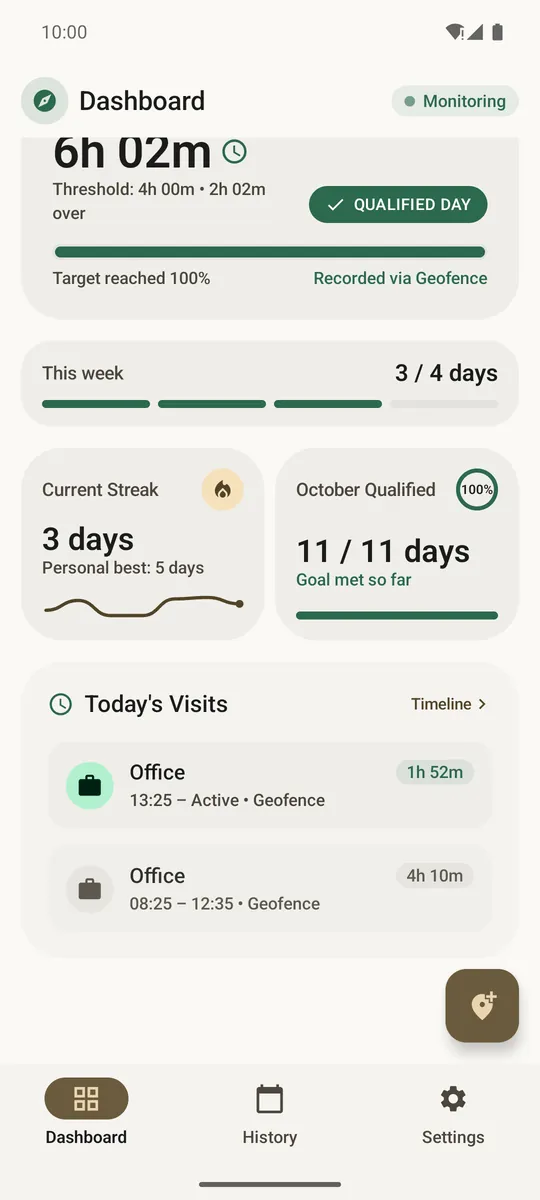
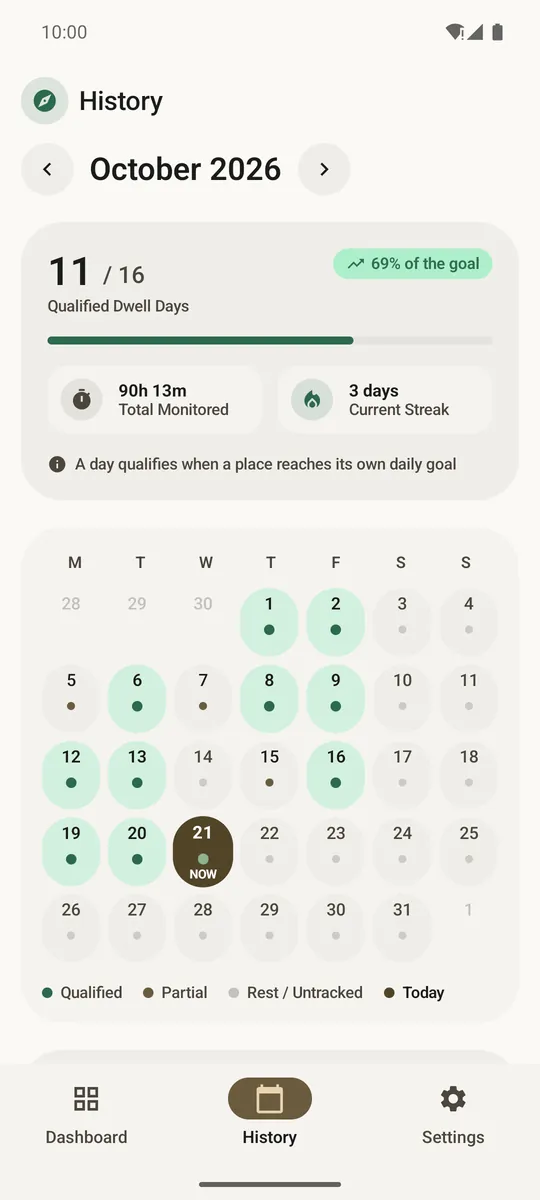
Goal days and streaks.
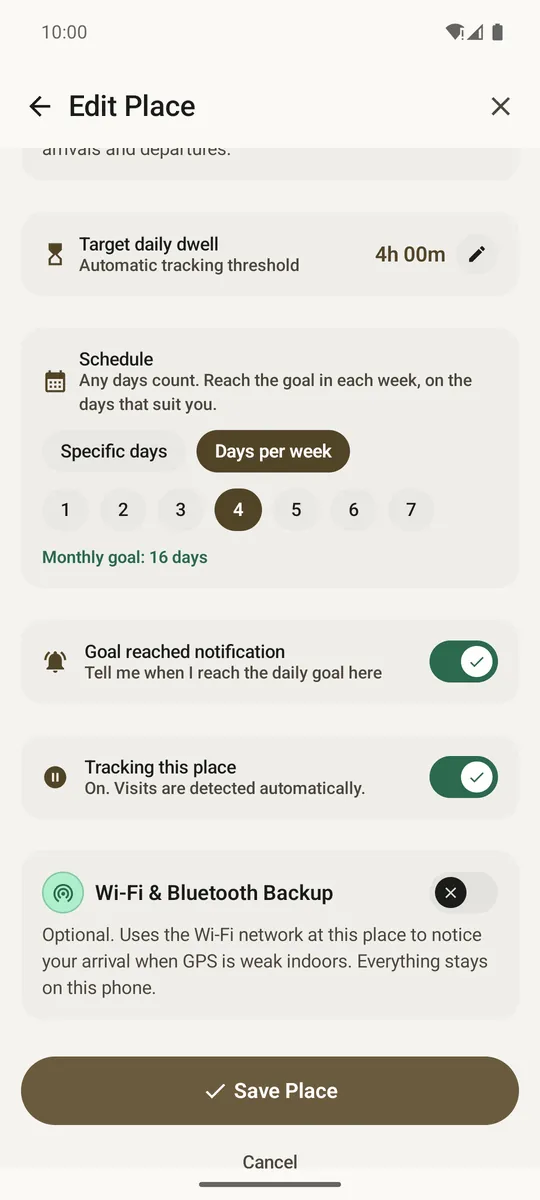
Weak GPS signal? Optional Wi-Fi or Bluetooth beacon backup lets Locitime log your arrivals accurately, even inside large buildings.
No account. Nothing leaves your phone unless you export it.
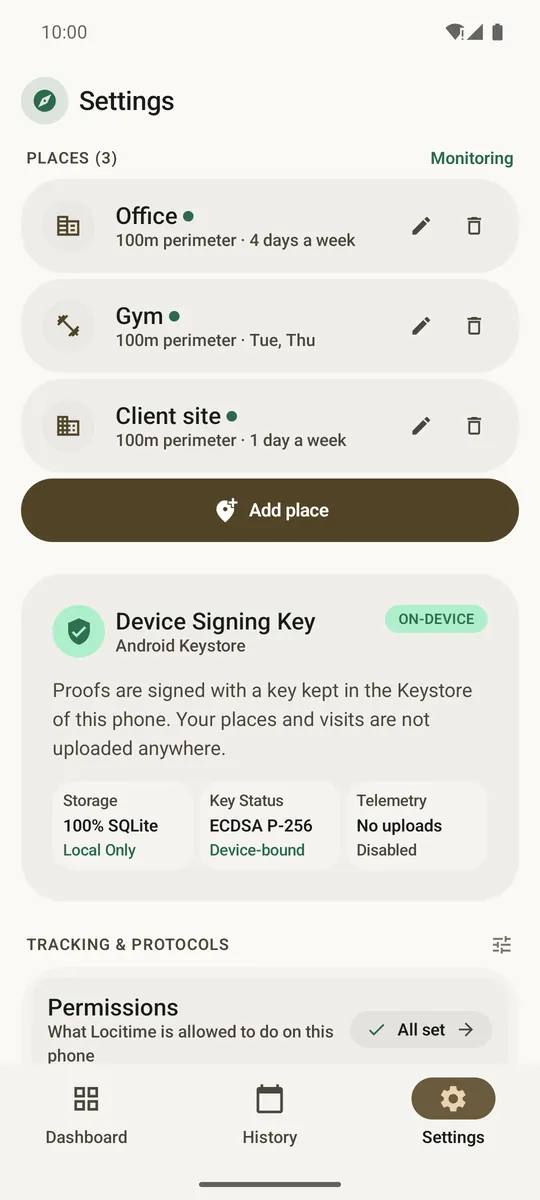
Calm, clear screens.
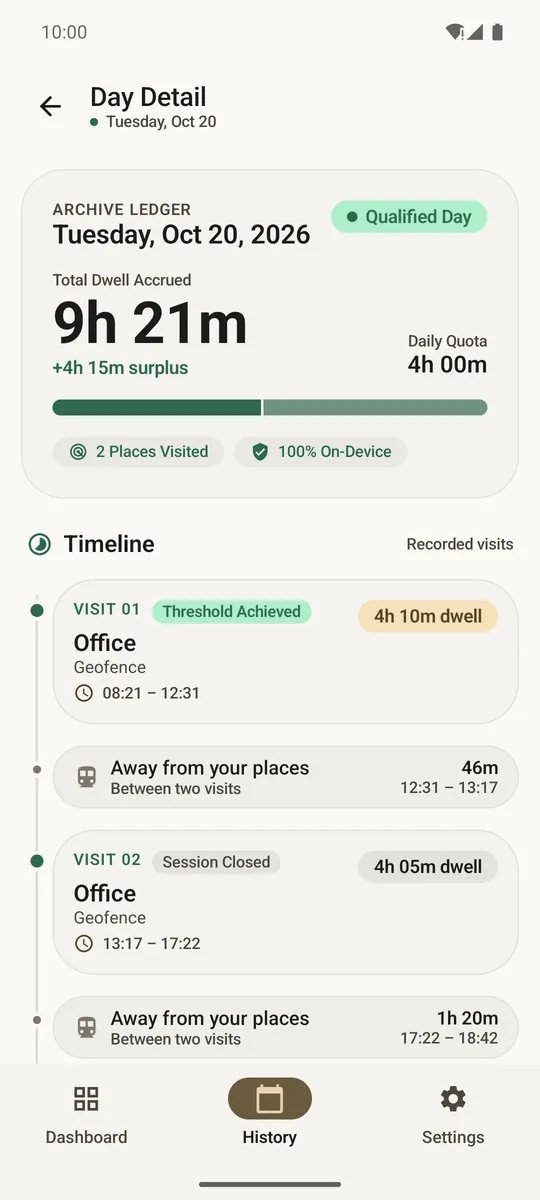
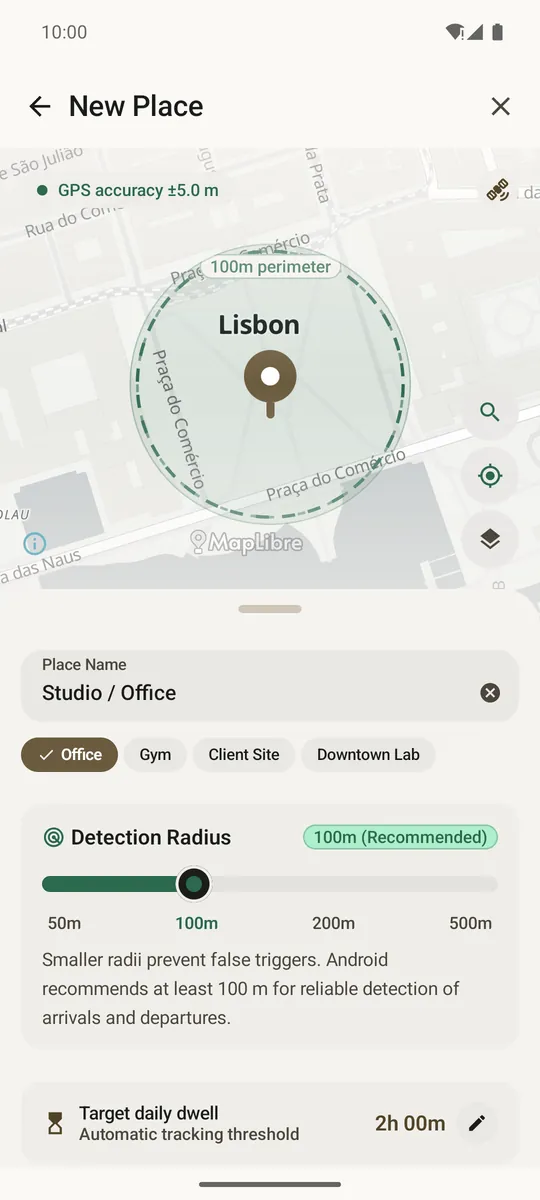
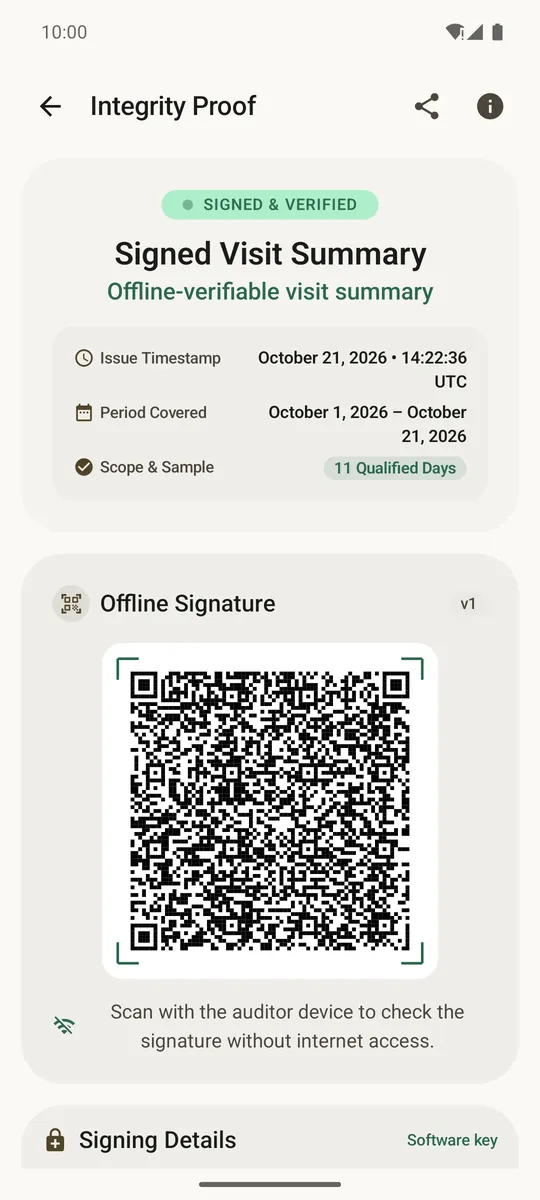
Your data stays on your phone.
Clear answers about goals, battery and your data.
Every place has its own goal, for example 2 hours. Locitime adds up all your visits to that place during the day, and the day counts as soon as the total reaches the goal. Time at different places is never mixed together.
Yes. Each place can use a daily goal or a days-per-week goal, where any days count. You can also choose which weekdays are active.
Very little. Locitime asks Android to watch the edge of each place through Google Play Services, so the app does not keep GPS running in the background. While a visit is open it also re-checks every 15 minutes that you are still there, using your paired Wi-Fi or beacon if you set one up, or a single quick location check if not.
Precise and background location, so Android can tell Locitime when you arrive or leave while the app is closed. Notifications, for goal reached, tracking paused and backup reminders. Wi-Fi state and Bluetooth scan, only if you turn on Wi-Fi or beacon backup for a place. Internet, only for map tiles, address search and the weekly update check, after you allow them. Read the full privacy policy.
No. Locitime has no server and no account. It only stores arrival and departure times at the places you add. It does not store routes or a location track between places. You decide what to share: a CSV, a PDF or a signed proof.
Your history lives only on the phone. Export an encrypted vault (.locitime) protected by a passphrase, keep it where you choose, and restore it on the new phone during setup. Nobody can recover a forgotten passphrase.
In Settings you can edit or delete a place, reset the current month, or wipe everything. Wipe also deletes the signing key. Removing the app deletes your history too, so save a backup first.
Yes. Locitime is free, with no ads, no subscription, no in-app purchase and no analytics SDK.
No account required. Free, private, and lightweight on Android.
How to install the APK · Verify your download
Available via direct APK. Coming soon to Google Play Store.